
Download AtomicDEX Desktop Wallet
You can download AtomicDEX wallet for Windows, macOS, and Linux. The AtomicDEX desktop wallet is designed for secure cross-chain trading and advanced decentralized exchange functionality.


USAGE GUIDE
Follow these steps to download, set up, and start trading with AtomicDEX on your desktop computer.
Step 1 — Download & Welcome Screen
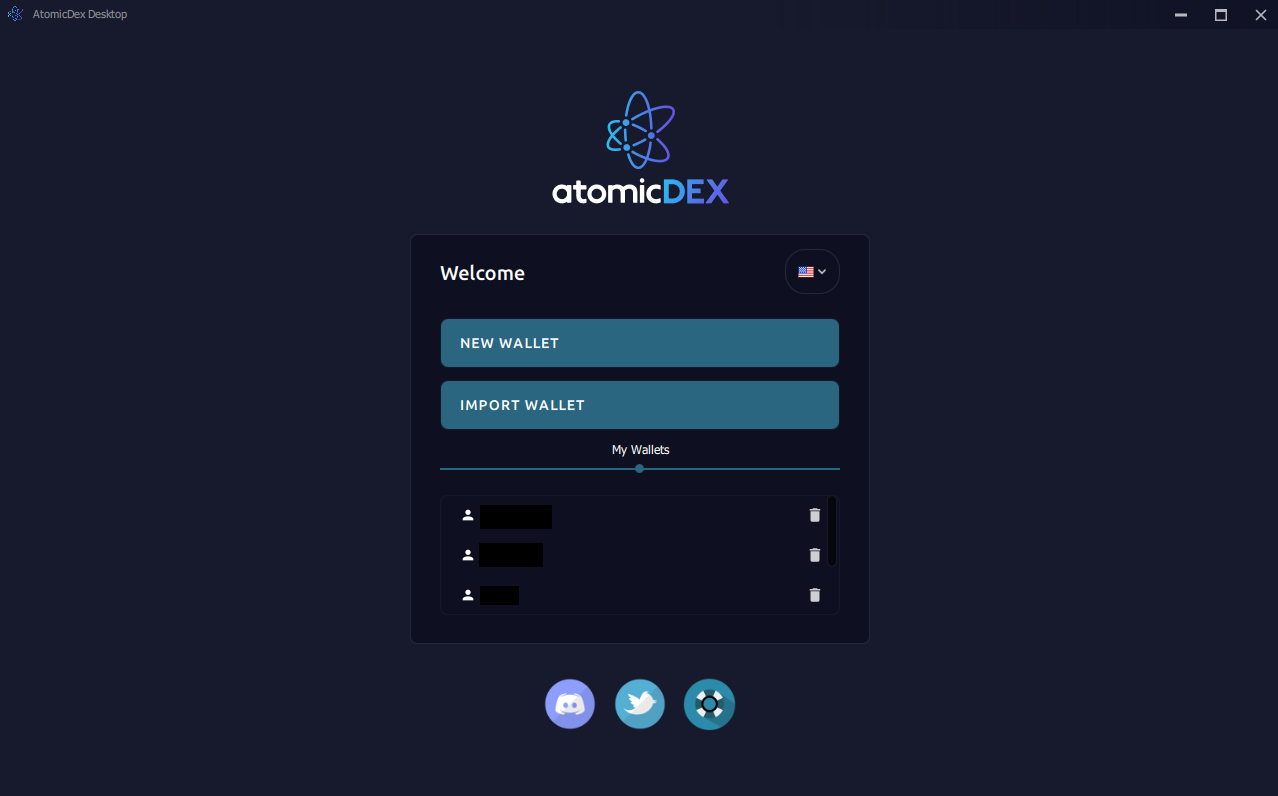
Download the latest AtomicDEX version from the official website. Once installed, you'll be greeted by the Welcome screen where you can create a brand-new wallet, import an existing one, or manage your saved wallet profiles.
Step 2 — Seed Phrase Generation
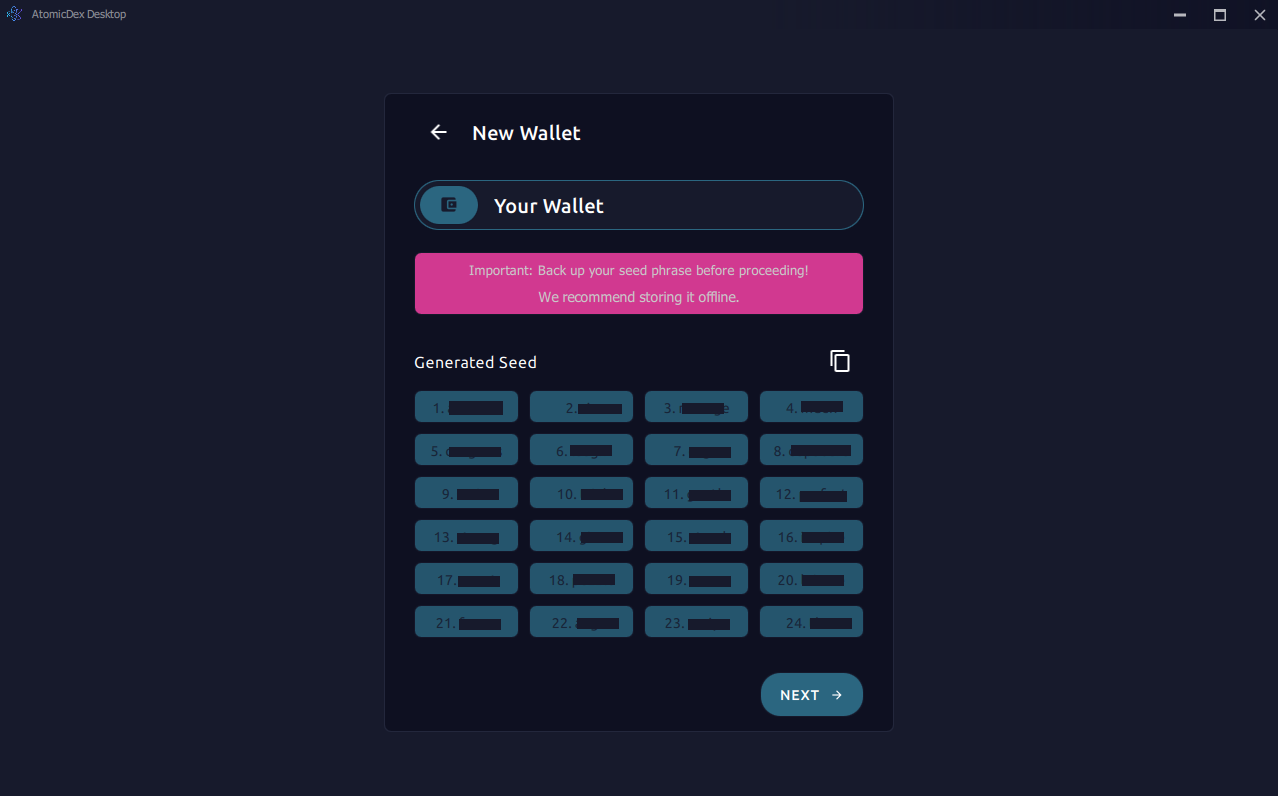
When creating a new wallet, AtomicDEX generates a cryptographically secure 24-word seed phrase. Each word is clearly numbered — write them down in order and store the backup offline in a safe place. This phrase is the only way to recover your funds.
Step 3 — Seed Phrase Verification
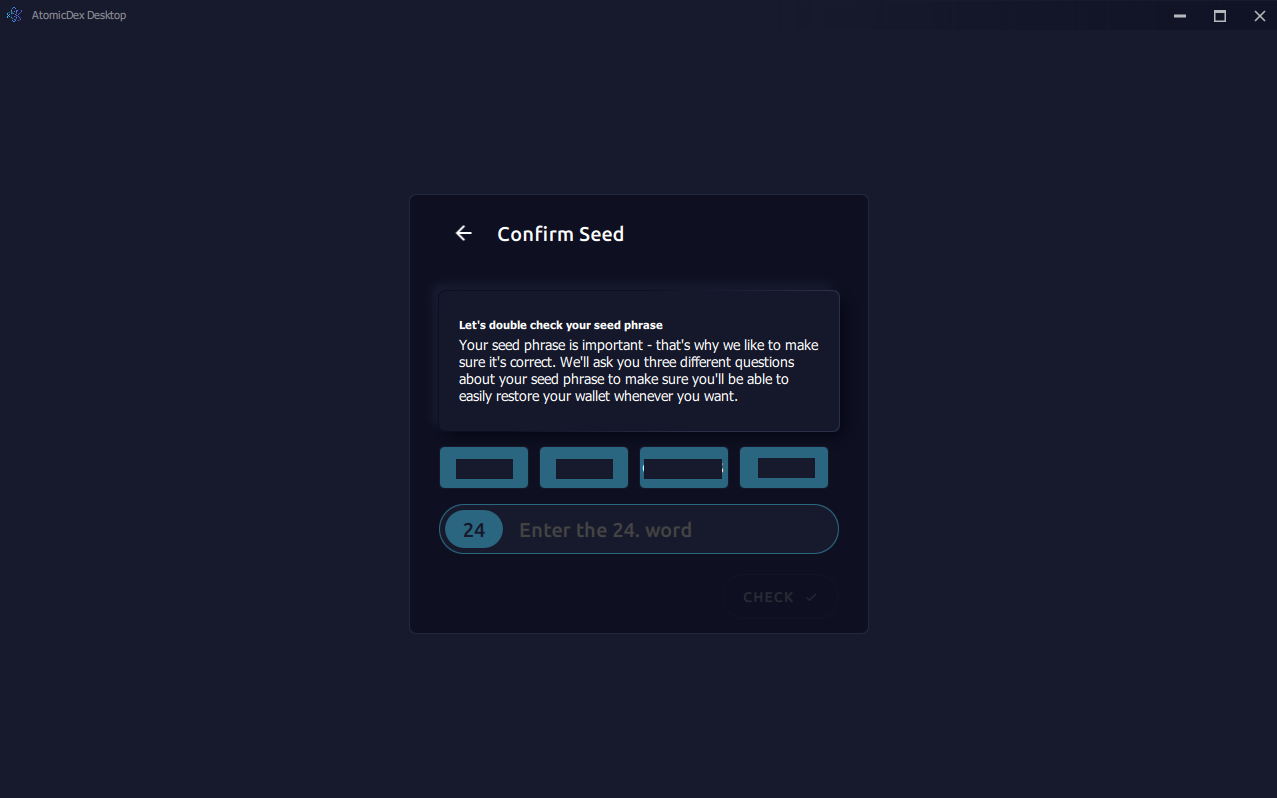
To make sure you've recorded everything correctly, AtomicDEX asks you to confirm specific words from your seed. This verification step prevents accidental loss caused by incorrectly noted recovery phrases.
Step 4 — Password Configuration
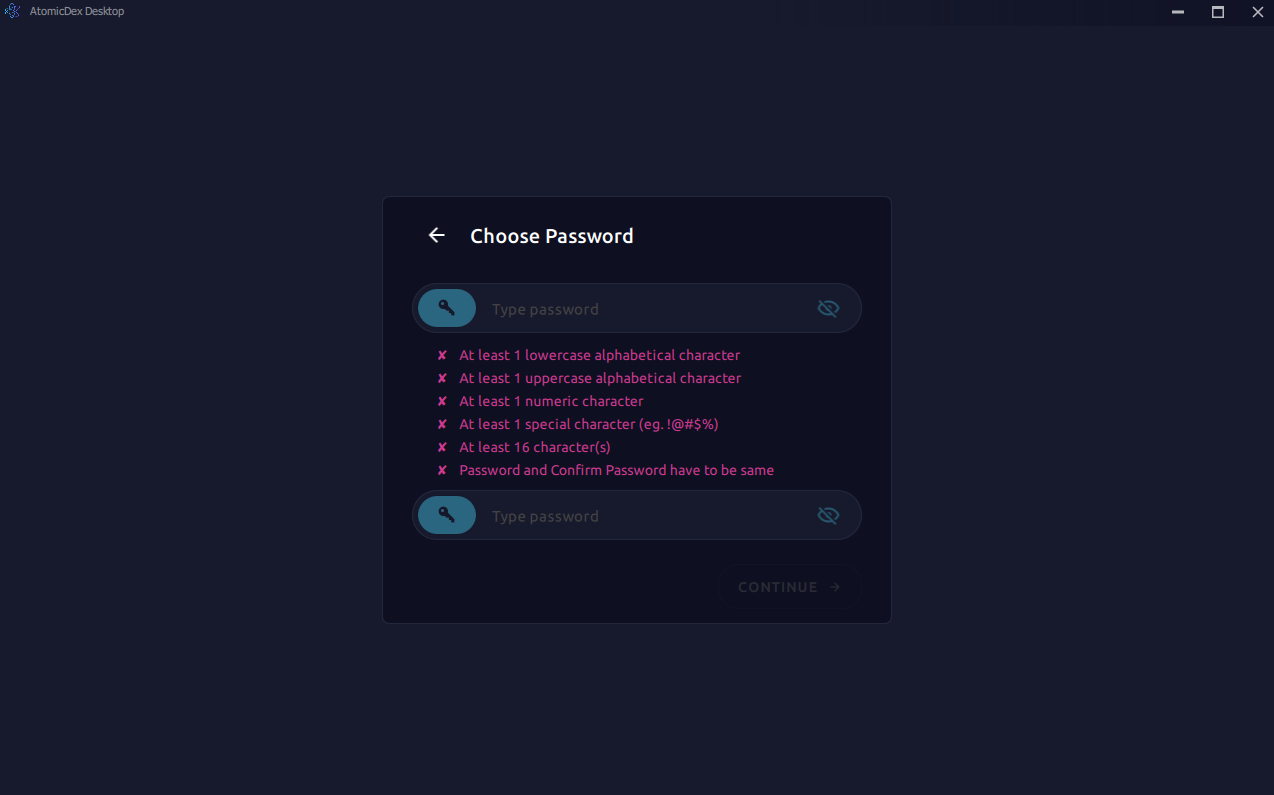
Set a strong local password that includes uppercase and lowercase letters, numbers, and special characters. This password encrypts your wallet data on disk while preserving the fully non-custodial nature of AtomicDEX.
Step 5 — Importing an Existing Wallet
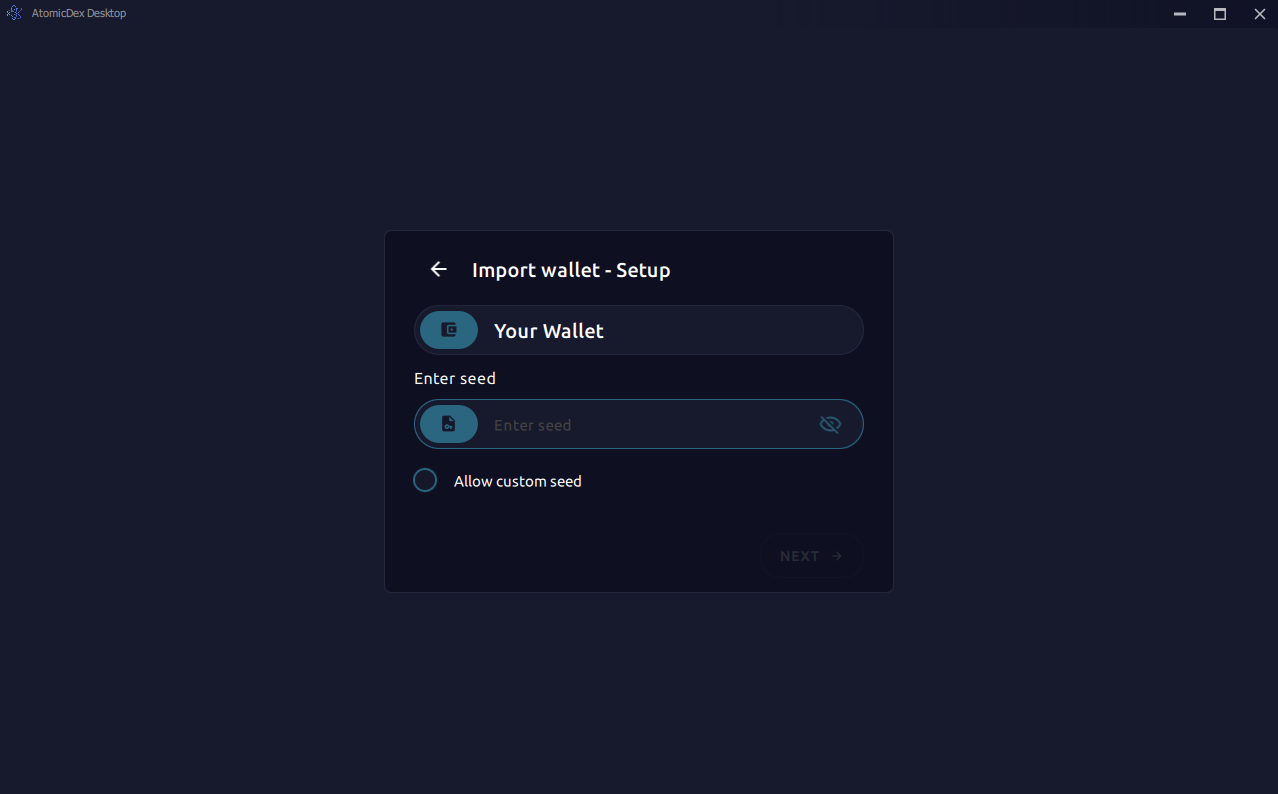
Already have a wallet elsewhere? Choose "Import Wallet" and enter your BIP39-compatible seed phrase. AtomicDEX supports standard and custom seed lengths, and the secure input field protects sensitive data from clipboard exposure.
Step 6 — Asset Initialization
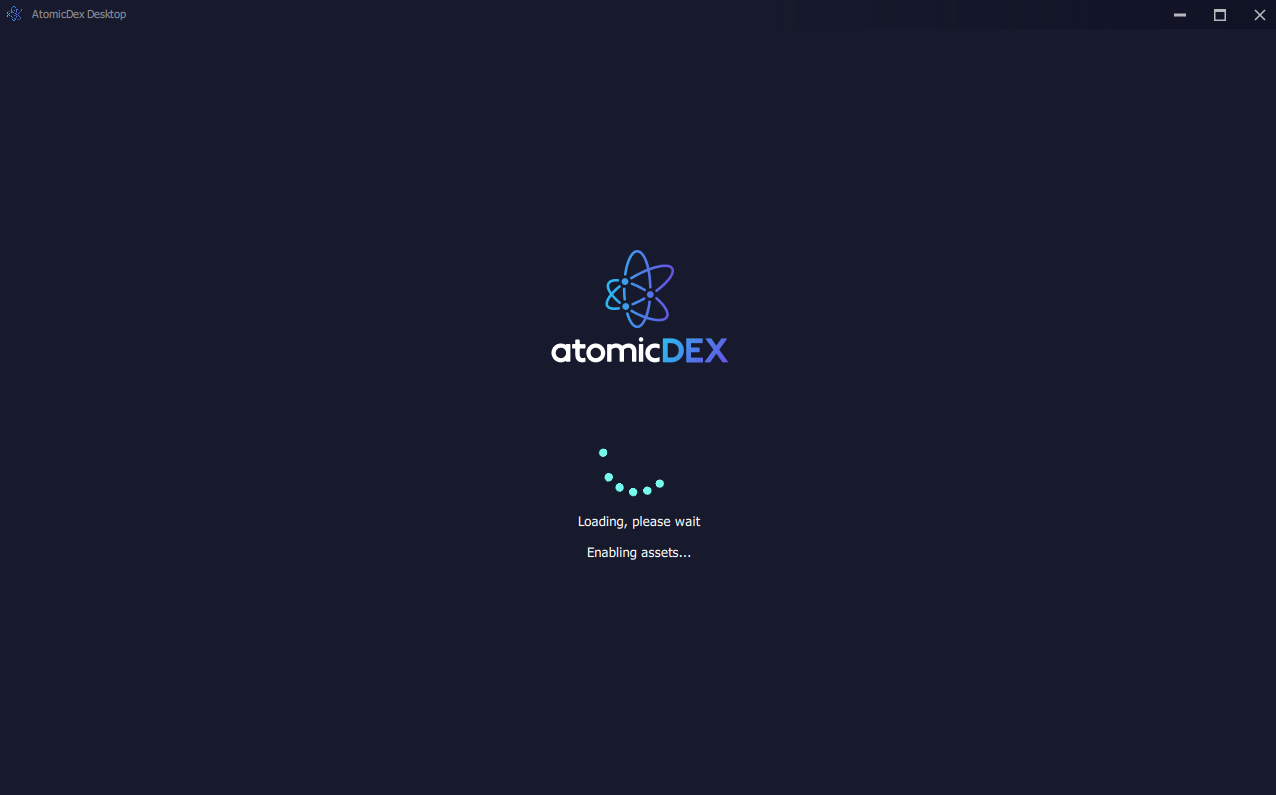
During first launch AtomicDEX connects to multiple blockchain networks, downloads market data, and configures the atomic swap protocols. A real-time progress indicator keeps you informed while everything loads.
Step 7 — Secure Login
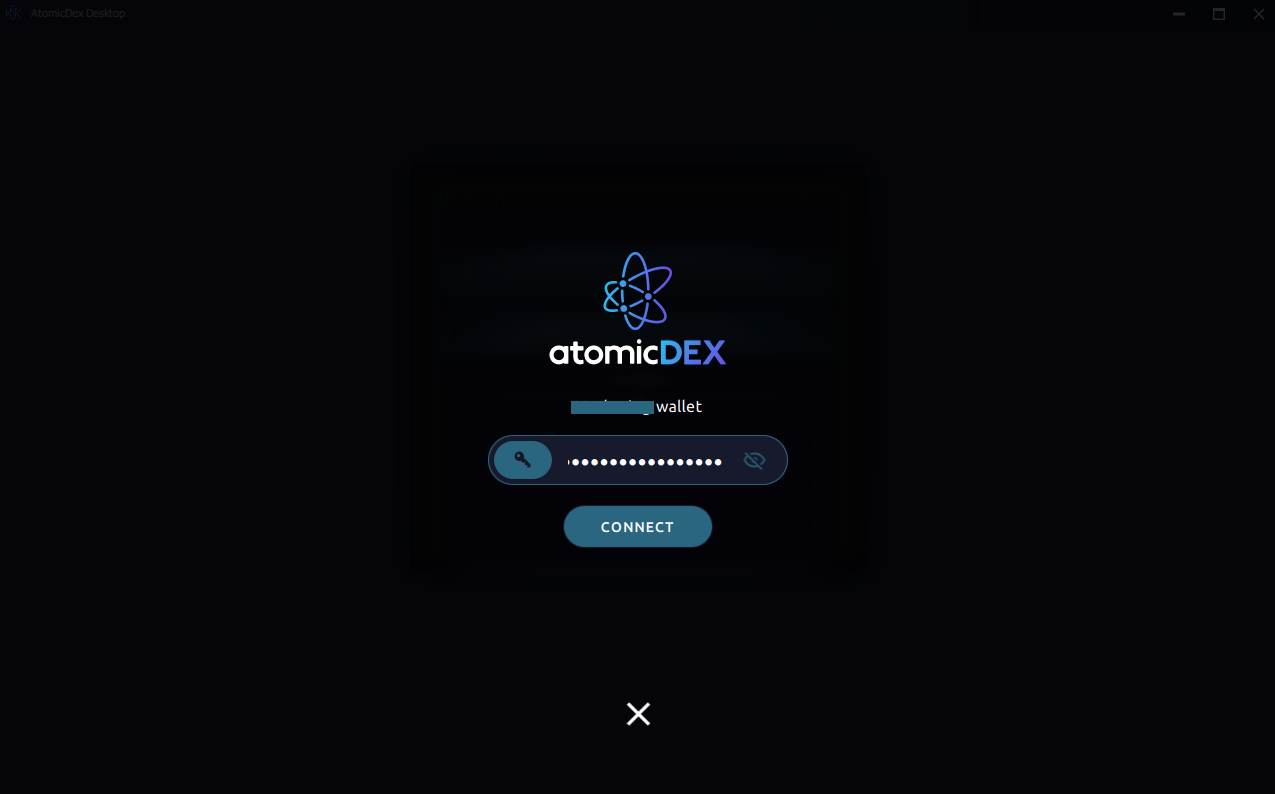
On subsequent launches, simply enter your password to unlock the wallet. AtomicDEX uses advanced local encryption and secure session management to keep your keys safe without relying on any third party.
Step 8 — Portfolio Dashboard
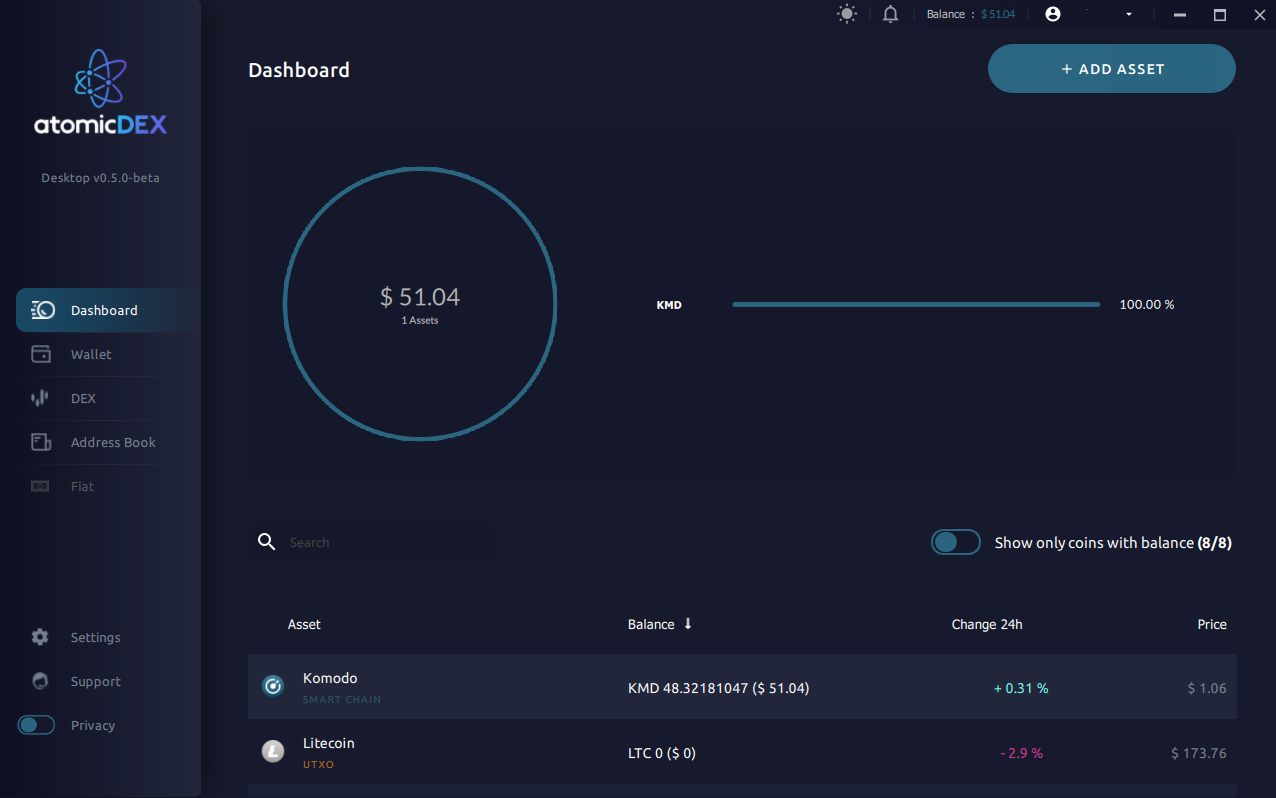
Once logged in, the Dashboard gives you a complete overview: real-time balances, 24-hour price changes, portfolio allocation charts, and quick access to the DEX, Address Book, Fiat on-ramp, and Settings via the sidebar.
Security Reminder
Always download AtomicDEX from official sources only. Never share your seed phrase with anyone. Store your 24-word recovery phrase offline in a secure location — it is the only way to recover your wallet.